Project documentation management system
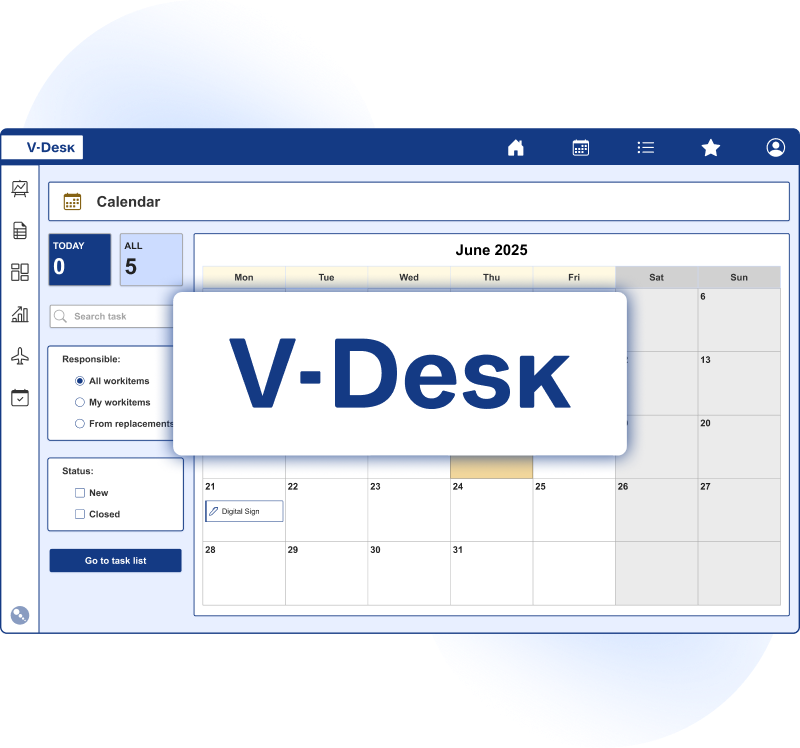
In the V-Desk system, this module ensures efficient communication between project participants while guaranteeing data security. It facilitates concurrent consultative work and at the same time serves as a central document repository. This modern tool, equipped with advanced functions, has a significant impact on project efficiency.
Do you know the challenges that staff face in managing project documentation?
Lack of consistency and organisation in record keeping
Scattering documents across different platforms is a simple path to chaos. When documents are not tidy and properly organised, it makes them difficult to use and leads to delays. The V-Desk system allows you to create a coherent structure of folders and metadata, making them easier to organise and guarantees their security.
Change management, no
updates
Changes and updates to the documentation must be up-to-date and in line with the current status of the project. This is helped by the documentation management module, which is equipped with version control mechanisms. The V-Desk informs about changes made, allows them to be tracked and stores a history.
Risk of unauthorised access and loss of data
Access rights to documents make it easier for the right people to obtain information. With the help of the system, the granting of the relevant rights can be controlled, so that each employee has access only to the documents he or she needs and the risk of unauthorised access is minimised.
What are the advantages of digital records management with V-Desk?

Task automation to speed up routine tasks

Supervision and control of access to documents

Documents organised and stored in one central location

Efficient project implementation without downtime thanks to assigned tasks

Remote access to documentation, which is stored in a secure cloud

Changes and modifications monitored on an ongoing basis
What does working with project documentation in V-Desk look like?
In practice, the most time is lost not on creating documents, but on searching for them, reconciling versions, and confirming that this is the correct file version. That is why the Project Documentation module in V-Desk organizes the entire document lifecycle — from the first draft to the final version approved for execution.
Document registration and context
A document is added to the project together with basic metadata (e.g., document type, case number, stage, contractor, date, scope). This ensures that documents are not simply uploaded into a folder but are immediately embedded within the project context.
Collaboration without overwriting files
The team can work concurrently, while the system monitors change history and versioning. Every modification is recorded: who made it, when, and what was changed, with the option to add a comment. This facilitates interdepartmental consultations and cooperation with subcontractors.
Approvals and tasks in one place
In V-Desk, a document can go through a defined approval workflow, and project participants receive assigned tasks with deadlines. This reduces downtime resulting from waiting for decisions, and the project manager can monitor progress in real time.
Access control and security
Access permissions allow documents to be shared only with the appropriate people, depending on their role in the project, the stage, or the document type. This is particularly important when internal and external teams work on the same project and the documentation contains sensitive information.
Project documentation management in V-Desk and V-Desk GA
The module is available in both V-Desk deployment models. It can be configured
in a dedicated version of the V-Desk system and choose from the pre-defined V-Desk GA processes.
Best practices: repository structure and standards that eliminate chaos
Even the best system cannot organize documents without clear rules. Below is a set of practices we most often implement in projects to ensure documentation is clear to the entire team from day one.

Consistent project structure
Project stages as primary categories (e.g., concept, execution, acceptance, service). Document types within each stage (contracts, agreements, reports, drawings, cost estimates). Separate space for formal and working documents, with a clear distinction between them.
Metadata instead of manual descriptions
Agreed metadata fields (e.g., status, responsible person, location/object, order number) allow filtering and searching for documents without remembering where they were saved. As a result, users reach the correct files faster, and reporting becomes simpler.
Naming and versioning standards
It is worth adopting a consistent naming scheme (e.g., project_stage_type_number_date) and a rule that “final” means an approved document, not the last version sent by email. V-Desk supports version control, so there is no need to create copies such as “file_final_v7_corrections2.”
Clear roles and responsibilities
The module allows mapping project roles (e.g., author, reviewer, approver, administrator) and assigning them permissions and tasks. This ensures responsibility for documents is not dispersed, and project communication is shorter and more precise.
During implementation, we also help select process templates, define approval workflows, and prepare permissions for stakeholders. As a result, the start of work does not require a long adjustment period for the team. From the beginning, it is clear where the document is, who needs to complete it, and when it should return from approval. If necessary, the configuration can be expanded as the project develops and its scope changes.
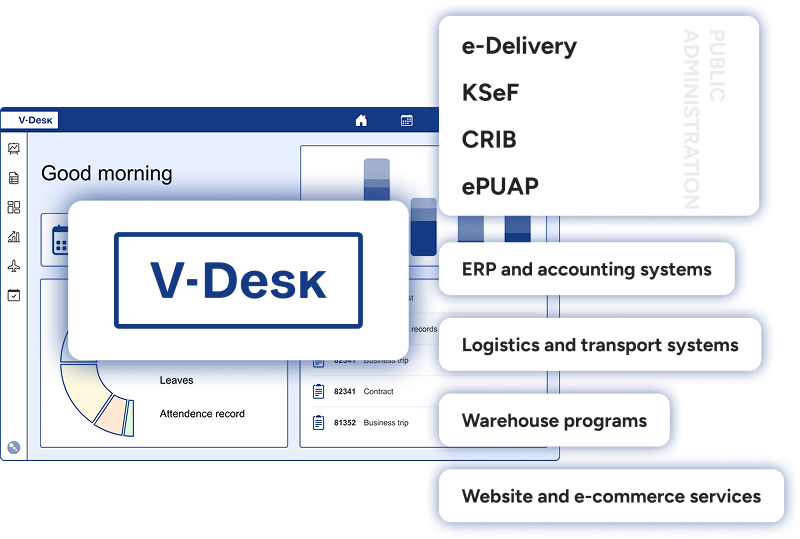
We will integrate the V-Desk into your systems
The advantage of the V-Desk system is that it can be integrated with virtually any IT system. There is no company on the market that does not already use some software. The whole magic is to integrate any software used in the company with V-Desk in such a way as to improve the business processes in the organisation.