
Payment files
fast and compliant export of ready-to-use files for bank payment processing
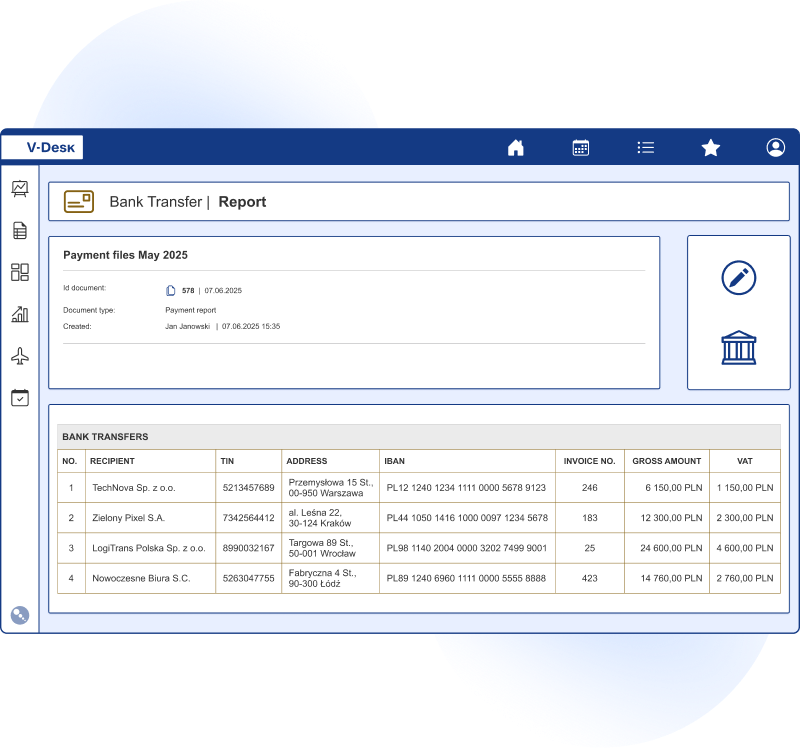
Automate your company’s transfer process and reduce the time spent on settlements. The application enables the generation of payment files compliant with banking standards, ensuring data accuracy and correct reading in banking systems. Bulk payments become fast, secure, and fully automated.



























Key benefits for finance and accounting departments

Reduced time spent defining transfers in banking systems
The concept of bulk transfers via file import frees up valuable time resources

Elimination of errors from manual data entry
Transfer data is automatically retrieved from the system, reducing mistakes

Double verification at the payment batch preparation stage
The system prevents incorrect data from being processed by detecting inconsistencies

Automatic file format validation and encoding compliance
The application works with most banks, enabling fast import of ready-made payment batches, including formats required by PKO BP, mBank, and many others
Quick launch and work on existing invoices
The Payment Files module is available in the V-Desk GA model. If you are already using V-Desk, you can simply activate the module and use it with existing invoices in the system—without rebuilding workflows or re-entering data. After activation, you specify which documents should provide data for transfers (e.g., invoice workflow), then select invoices for payment and create a payment batch.
The system automatically fills in contractor data, account numbers, amounts, transaction titles, and due dates. Before downloading the file, you can preview the batch and view the total amounts. Validation mechanisms detect missing or inconsistent data, ensuring that only correct, ready-to-import data is sent to the bank. You can also create separate batches for different banks or payment types and download files with a single click directly from V-Desk.
Full digitalisation of business processes at your fingertips.
More than 200,000 satisfied V-Desk users have taken advantage of this opportunity.
Transparency and control in payment batch preparation
In finance, speed matters—but so do consistency and control. The Payment Files module organizes team work during transfer preparation.
- clear payment list with filtering options (due date, contractor, transfer type),
- data preview before export with quick detection of inconsistencies,
- automatic validation of data and file format before download,
- work based on system data, reducing duplicates and manual corrections,
- history of generated batches and files for audit and traceability.
If needed, roles can be separated: one person prepares the batch, another verifies and approves it for export. This is particularly important for recurring payments and high transaction volumes, where consistency and full control trails are essential.
How does the payment file generation application work?
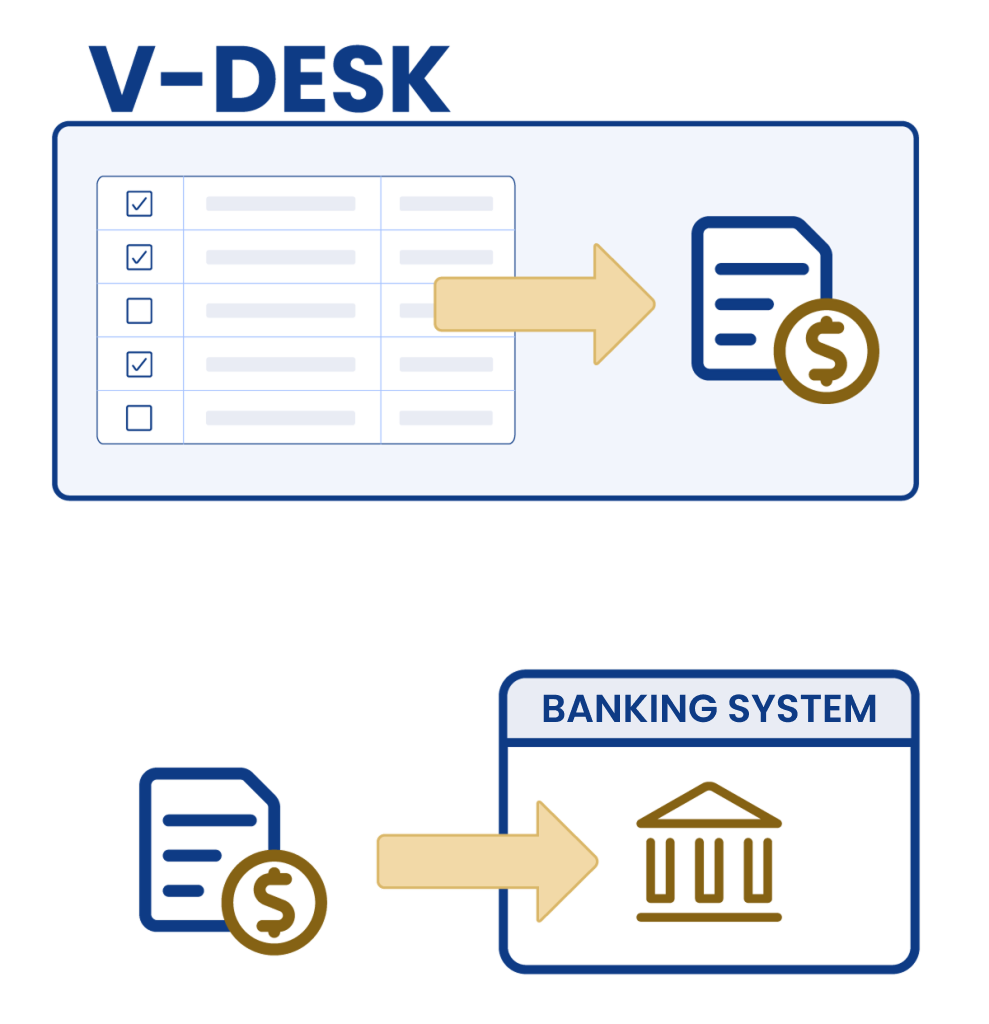
Generating files in V-Desk is fast and intuitive:
- Select payments from the list to prepare a batch.
- The application automatically generates transfer data.
- Download ready files and import them into banking systems.
Thanks to integration with the invoice module, payment data is automatically retrieved, further accelerating the entire process.
Examples of transactions processed in the company
With the V-Desk payment files application, you can process a wide range of bank transfers, such as:

employee salaries
social security contributions (ZUS)
tax payments
purchases and orders
The file generation application enables mass preparation of domestic and international transfer batches, ensuring security and accuracy for every transaction.